Podcast hosts
A guest sounds clear enough to follow, but a fan runs throughout the interview.
Reduce the steady distraction, then listen for changes to consonants and natural pauses.
The short answer
An audio cleaner app processes a recording to make wanted sound, usually speech, easier to hear by reducing noise or other distractions. Audiocleaner is useful for improving a usable recording, not for recovering words that were never captured.
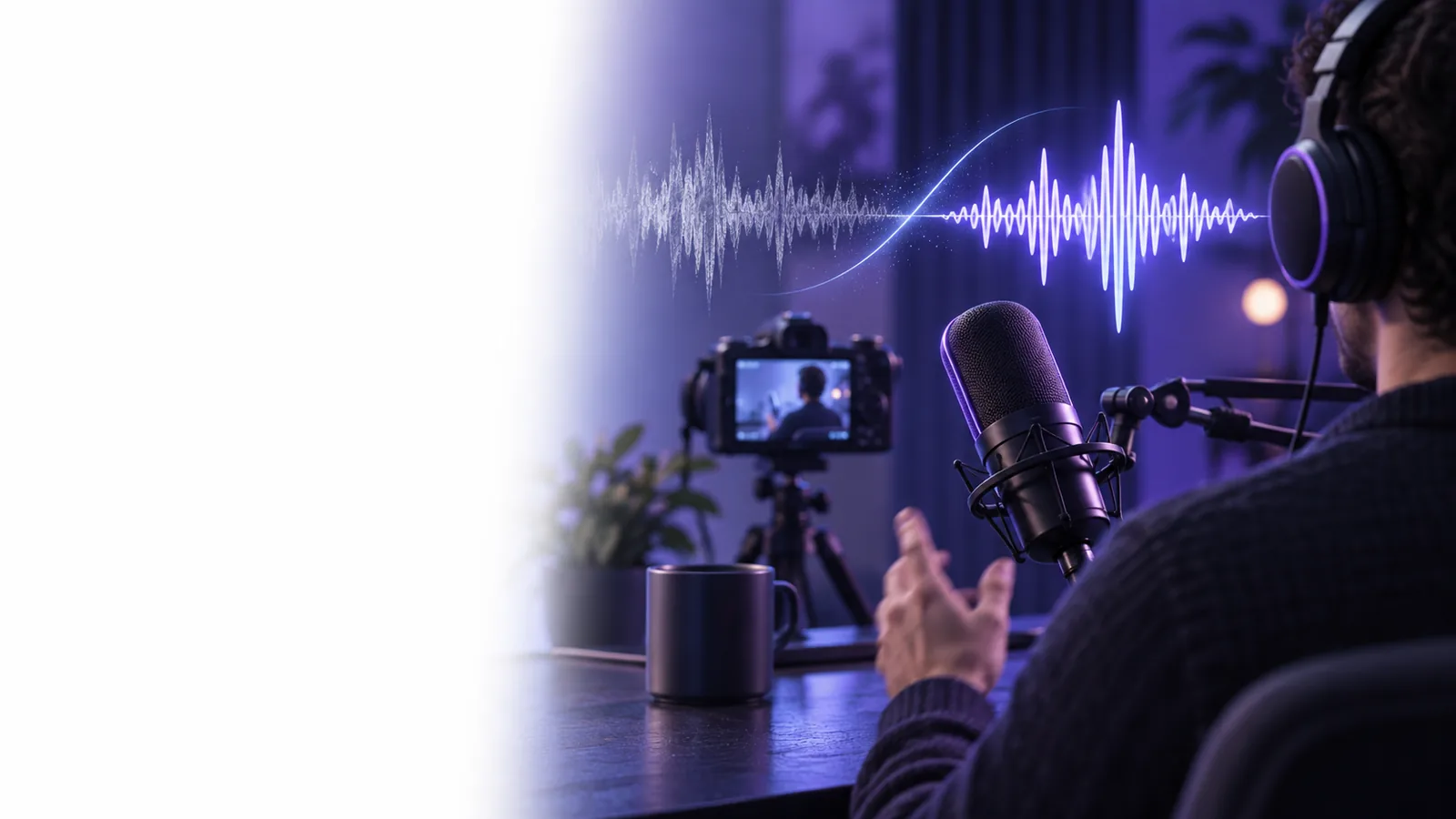
The best next step depends on whether you need browser access, clearer speech, or help with a particular kind of noise.
People use an audio cleaner when a recording contains something worth keeping but the listening experience needs attention.
A guest sounds clear enough to follow, but a fan runs throughout the interview.
Reduce the steady distraction, then listen for changes to consonants and natural pauses.
A recorded lesson has audible room noise beneath the explanation.
Make speech easier to follow before sharing the lesson, while checking that quieter words remain intact.
A phone recording needs a quick intelligibility check before anyone transcribes it.
Test a short passage first and keep the original available for comparison.
Dialogue recorded outdoors competes with passing traffic.
Improve the voice where possible, then decide whether a difficult segment needs rerecording.
Supavocal isolates speech from background audio in supported recordings; the MP3 result still needs a human listen. It is not a general-purpose sound-repair editor.
Use the clearest recording you have and keep an untouched copy. If possible, find a passage with both speech and the distracting sound.
An audio cleaner identifies patterns it can reduce, such as a continuous background layer. Speech and noise can overlap, so separation is an estimate rather than a perfect extraction.
Listen to the same passage before and after cleaning. Check quiet words, breaths, and sentence endings; a less noisy file is not automatically a better recording.
An audio cleaner can reduce distractions in an existing signal. It cannot guarantee natural-sounding speech when the source is badly damaged.
An app cannot reliably recover speech that the microphone did not record or that loud noise completely covered.
What to do instead
Check another recording, ask the speaker to repeat the line, or rerecord it.
When the input level was too high, distorted peaks may have lost detail that cleaning cannot recreate.
What to do instead
Use a less distorted take if one exists; lower the recording level next time.
Music, another voice, or sudden noises in the same frequency range as speech may leave artifacts when reduced.
What to do instead
Compare short sections and retain the original wherever processing harms intelligibility.
An audio cleaner can help with a noisy file but cannot move a distant microphone closer to the speaker after the fact.
What to do instead
Record nearer to the voice in a quieter space when a new take is possible.
These approaches complement one another. The table shows which problem each can address before you choose an app or set up another take.
| Audio cleaner app | Better source recording | |
|---|---|---|
| When it helps | After a recording already exists | Before or during a new recording |
| Steady background hum | May reduce an audible layer | Can prevent it by changing location or equipment |
| Distant speech | May improve audibility but cannot restore lost detail | A closer microphone captures more direct voice |
| Clipped words | Cannot reliably reconstruct missing peaks | An appropriate input level can avoid clipping |
| Original performance | Works with the take you already have | Requires the speaker to deliver another take |
| Quality check | Compare processed sound against the original | Monitor the signal while recording |
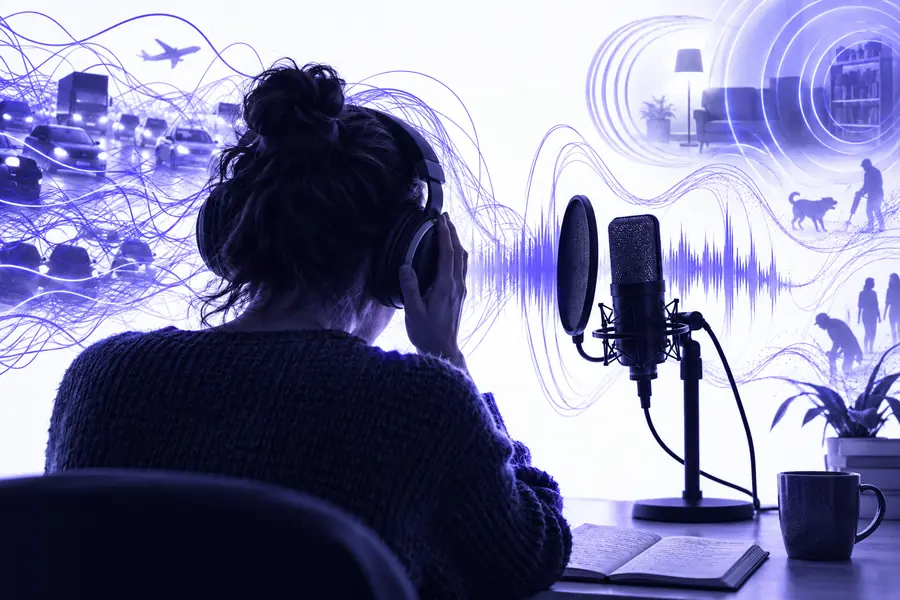

These images illustrate the review process, not an audio sample or a guaranteed result. Listen to both versions to judge whether the voice remains natural.
Original recordingReview the cleaned versionSign in at Supavocal to try speech isolation on a short, supported audio passage first. Keep the original, listen to the cleaned result at the same volume, and use the version that makes the words easiest to understand.
It is an app that processes an existing recording to reduce unwanted sound or improve the clarity of wanted sound. An audio cleaner is most useful when speech is present but distractions make it harder to hear.
The best audio cleaner is the one that makes your particular recording easier to understand without making the voice sound unnatural. Test a short section containing both speech and noise, then compare it with the original at a similar volume.
No. An audio cleaner may reduce steady noise effectively, while sounds that overlap speech can be harder to separate. Aggressive processing can also make words sound muffled or artificial.
It may improve audibility, but it cannot reliably recreate words that were not captured or undo severe distortion. If the source is unusable and another take is possible, rerecording is usually the more dependable option.