Podcast host
A guest sounds clear enough to understand, but a constant room fan sits beneath the conversation.
Try reducing the steady background layer, then check quiet words and breaths for a watery or cut-off sound.
Browser-based cleanup
Supavocal offers a limited, one-time welcome credit grant after signup. Sign in to isolate speech from background sound in a supported audio recording; no account-free processing or unrestricted free plan is promised.
Continue at Supavocal
Sign in free to upload supported audio (MP3, WAV, M4A, FLAC or OGG; under 10 MiB, up to 10 minutes). Isolate speech from background sound and download the MP3 result. This page does not process or forward your clip.
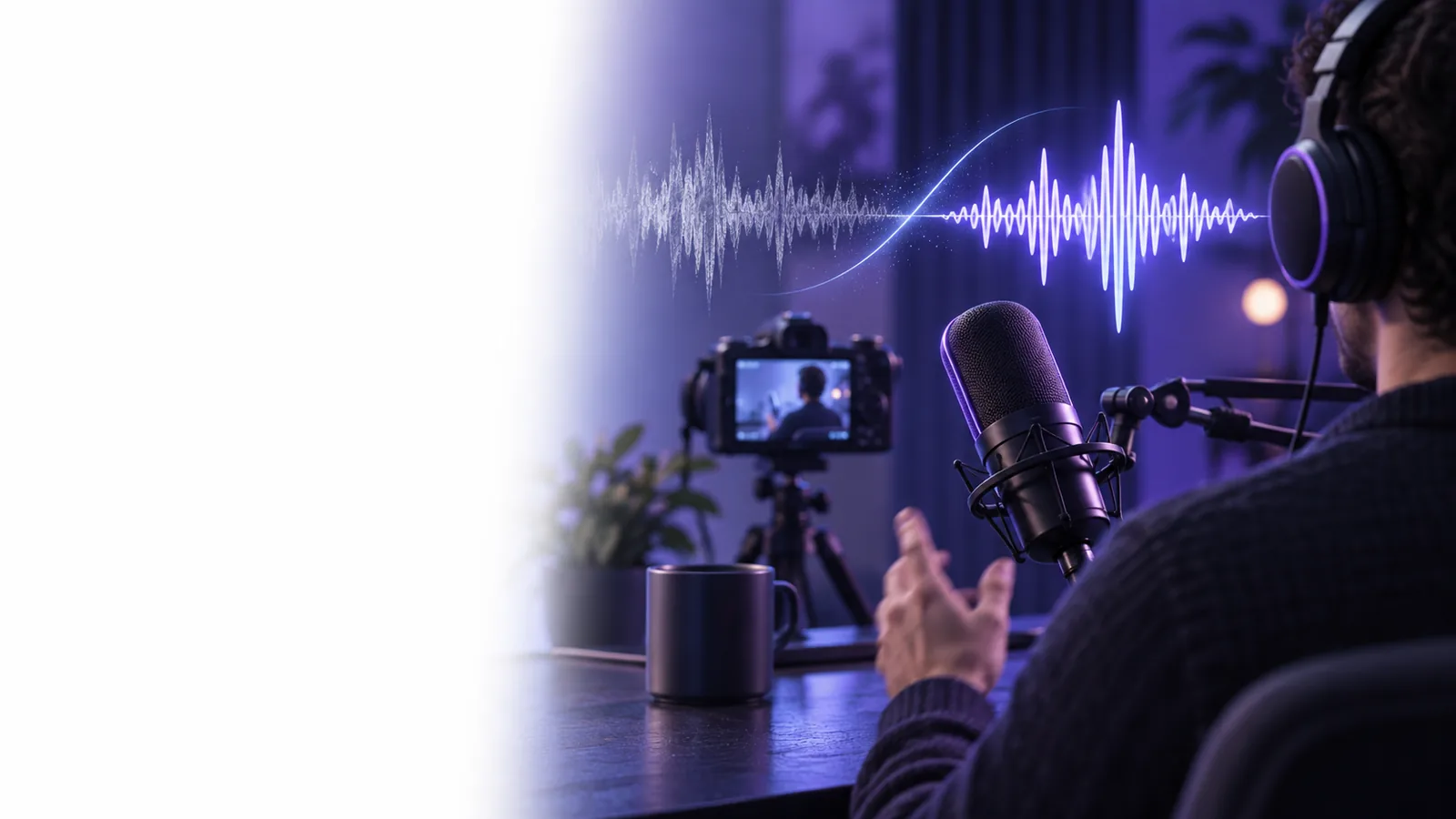
An audio cleaner is most useful when the voice you want to keep is already audible. The type of interference determines what to try next.
These situations call for different listening checks. In each one, compare the result with the original rather than assuming that stronger processing sounds better.
A guest sounds clear enough to understand, but a constant room fan sits beneath the conversation.
Try reducing the steady background layer, then check quiet words and breaths for a watery or cut-off sound.
One speaker's voice is softer than the surrounding room tone in a short interview clip.
Prioritize intelligibility. An audio cleaner may help the speech stand out, but it cannot restore words the microphone never captured.
A lesson recorded at home contains low-level hiss between sentences.
Clean a brief sample first and listen through a full sentence before applying the same approach to the rest of the lesson.
A spoken clip has both traffic noise and an occasional loud passing vehicle.
Use an audio cleaner for the persistent noise; inspect isolated interruptions separately because they may need a different edit.
A short test clip makes it easier to judge whether browser processing helps before you work through a longer recording.
Use a passage containing both speech and the noise you want to reduce. Include a pause so you can hear what happens to the background when nobody is talking.
Sign in and upload your supported audio clip. Run speech isolation to separate the voice from the surrounding sound; this tool does not offer a text prompt or adjustable noise-reduction settings.
Compare the processed clip with the original at a similar volume. Check consonants, quiet syllables, breaths, and pauses; if the voice sounds damaged, use the original or a separate editor.
An audio cleaner offers a straightforward starting point. A manual editor gives you more control when different moments in a recording need different treatment.
| Browser audio cleaner | Manual audio editing | |
|---|---|---|
| Starting point | Sign in and upload a supported audio clip for speech isolation. | Open the recording and choose individual editing tools. |
| Steady background noise | Try broad cleanup, then listen for changes to speech. | Sample or adjust noise reduction more precisely. |
| One-off interruption | May leave part of a sudden sound behind. | Select and repair the affected moment separately. |
| Different speakers | Review each voice to catch uneven processing. | Adjust speakers or passages independently. |
| Fine adjustments | Best suited to a simple cleanup pass. | Offers detailed control over timing and processing. |
| Final check | Compare the result with the original by ear. | Compare edits with the original by ear. |
No audio cleaner can guarantee a perfect result. The original recording and the kind of noise matter as much as the cleanup method.
If a word is masked completely or clipped during recording, processing cannot reliably recover what was not captured.
What to do instead
Keep the original and, when possible, rerecord the affected line closer to the microphone.
Nearby conversation or a television can overlap the same frequencies as the voice you want to retain.
What to do instead
Test a short passage and consider a targeted manual edit if the voices remain mixed.
Aggressive cleanup can make consonants dull, breaths disappear, or speech sound metallic.
What to do instead
Choose the most natural version, even if a little background sound remains.
Do not assume that every browser tool accepts every format or handles sensitive recordings in the same way.
What to do instead
Check the tool's supported inputs and privacy information before submitting confidential audio.
Use limited signup credits to try speech isolation on a representative passage, then compare the MP3 result with your original recording. Keep the version that makes speech easier to follow without stripping away its natural character.
A browser-based audio cleaner lets you begin without installing a desktop editor. Check the tool's input requirements before using it, and keep your original file so you can compare the result.
Steady sounds such as fan hum, light hiss, or consistent room noise are sensible starting points. Sudden interruptions and other voices are harder to separate from speech and may call for a targeted edit.
It may make an audible voice easier to follow by reducing surrounding noise. It cannot reliably recreate speech that was clipped, covered completely, or never recorded clearly.
Listen to the original and processed versions at similar volumes. Pay particular attention to quiet words, consonants, breaths, and pauses; less background noise is not an improvement if the voice sounds unnatural.
Start with a short section that includes speech, a pause, and the problem noise. If the result sounds natural, you can submit a longer supported audio clip while checking passages with different speakers or noise levels.