Audiocleaner

Clearer recordings

Use an audio cleaner for background noise without losing your voice

An audio cleaner for background noise can reduce steady hiss, hum, and room sound in a voice recording. Start with the original file, listen to a short sample, and keep only the changes that make speech clearer.

Continue at Supavocal

Sign in free to upload supported audio (MP3, WAV, M4A, FLAC or OGG; under 10 MiB, up to 10 minutes). Isolate speech from background sound and download the MP3 result. This page does not process or forward your clip.

Limited, one-time welcome credits after signup Sign in to isolate speech
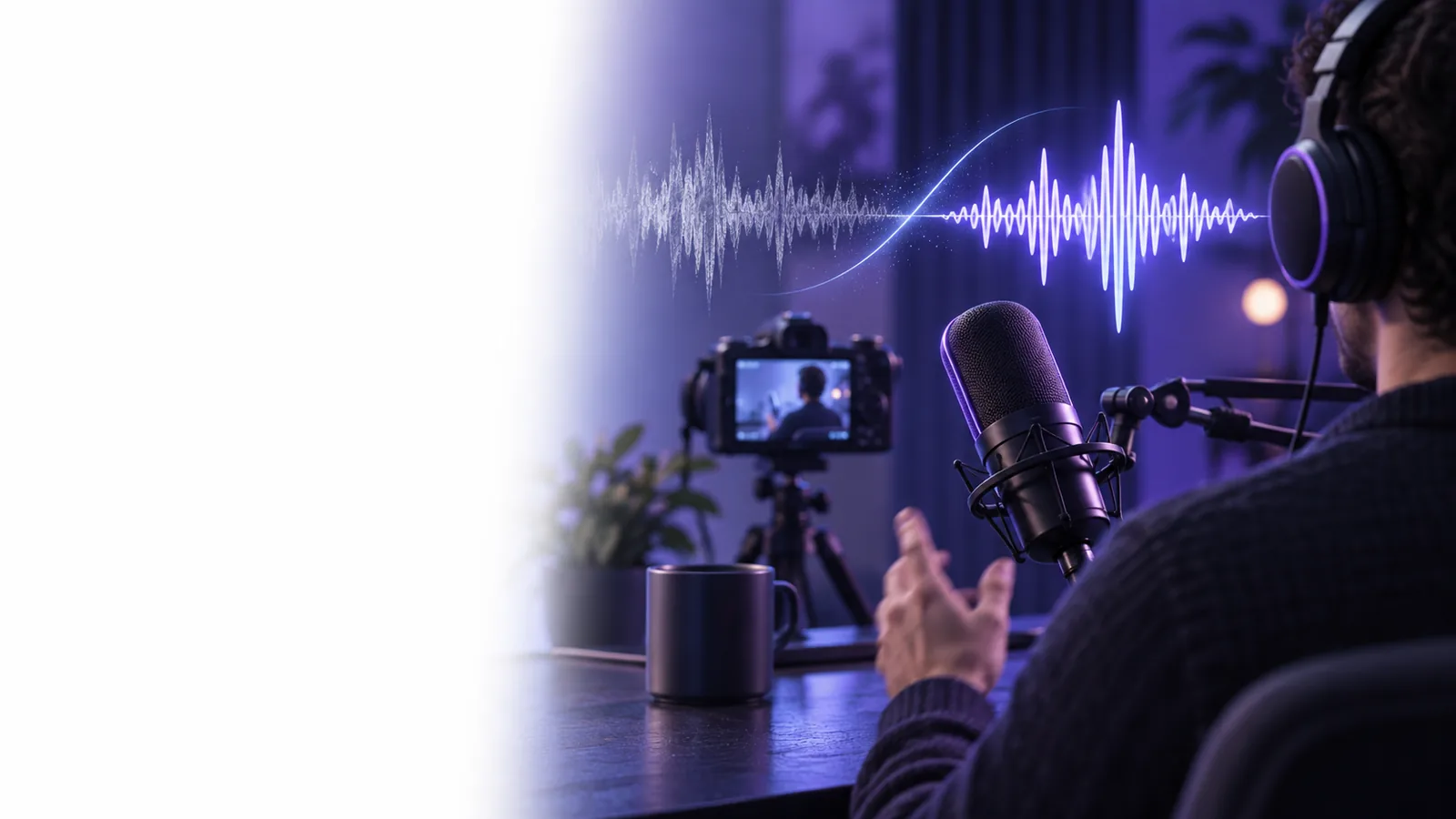
Audiocleaner voice recording workspace

One full run-through

For a spoken clip with a constant fan in the room, run speech isolation on a short supported audio sample before deciding whether to submit the full recording.

  1. 1

    Listen and mark a test passage

    Choose a passage with quiet pauses, soft consonants, and the fan audible beneath speech. Note whether the sound stays constant or changes when someone moves. Those details help you judge whether the audio cleaner is preserving the voice.

  2. 2

    Clean a short sample

    Run speech isolation on the supported audio excerpt to separate voice from the fan noise. Compare the sample with the original at the same listening volume; a louder result can seem clearer even when it has lost detail. Pay particular attention to s, f, and t sounds.

  3. 3

    Review the entire recording

    If the test sounds natural, submit the full clip if it meets the audio format, under-10-MiB and up-to-10-minute limits. Check the beginning, a quiet middle section, and the ending. Keep the original available so you can return to it if a word becomes muffled or a pause sounds unnatural.

Options table

Match the cleanup approach to the sound you actually hear. A steady sound behind speech calls for a different decision from a sudden sound that covers a word.

Remote interviewer

A steady computer fan sits under both speakers. Test gentle noise reduction on a passage where each person talks, then check that neither voice becomes thin.

Aim for easier-to-follow dialogue, not complete silence between words. A voice cleaner guide can help you prioritize intelligibility.

voice cleaner

Outdoor presenter

Traffic passes behind a spoken introduction. Listen to both quiet and busy sections; speech isolation may help one passage more than another, without a strength control to tune each part.

Reduce the distraction where possible while accepting some outdoor ambience. See audio cleaner vs sound remover to decide whether a distinct sound needs separate treatment.

audio cleaner vs sound remover

Lesson creator

Low room hum runs beneath a long explanation. Test near a quiet sentence rather than judging only a loud opening line.

Keep the teaching voice consistent across the recording. How do I make my audio cleaner? covers recording habits that can improve the next take.

How do I make my audio cleaner?

What fails

An audio cleaner cannot reliably recover words completely covered by a slam, horn, or another speaker. Heavy reduction can also turn consonants watery, make breaths pulse, or leave gaps that sound gated. If that happens, return to the original and try a lighter pass. For an important sentence masked by a sudden sound, a new recording may be more useful than further filtering. Judge success by whether a listener can understand the voice comfortably, not by whether every trace of the room has vanished.

Keep the voice, not an artificial silence

  • Compare at the same listening volume
  • Check quiet words as well as loud ones
  • Keep the untouched original
Clean my recording

FAQ

Start by listening to identify whether the unwanted sound is steady or intermittent. Use an audio cleaner on a short sample, compare it with the original at the same volume, and apply the result to the full recording only if speech remains natural.

A steady fan is often easier to reduce than a sound that changes rapidly, but strong reduction can soften consonants. Test a supported short passage with soft speech; Supavocal offers speech isolation, not a slider for noise-reduction strength.

Some background noise occupies the same frequencies as the voice, so removing it completely may also remove speech detail. A faint, consistent sound can be preferable to a voice that sounds hollow or broken.

Not necessarily. If a door slam or passing vehicle masks the word itself, the missing speech may not be recoverable. Check the original for a usable take or rerecord that sentence when possible.

Check soft words, s and f sounds, breaths, and pauses as well as the loudest sentence. If the voice wavers or the room sound pumps in and out, try a lighter cleanup and compare again.

Try isolation
Try isolation