Remote interviewer
A guest speaks over a steady laptop fan during a call.
Aim for less fan noise while keeping the guest’s softer words and pauses intact.
Clearer spoken audio
A voice cleaner focuses on speech you want listeners to understand, rather than removing every sound in a recording. Start with a supported audio clip, sign in to try speech isolation, and compare the MP3 result with your original before using it in a podcast or lesson.
Continue at Supavocal
Sign in free to upload supported audio (MP3, WAV, M4A, FLAC or OGG; under 10 MiB, up to 10 minutes). Isolate speech from background sound and download the MP3 result. This page does not process or forward your clip.
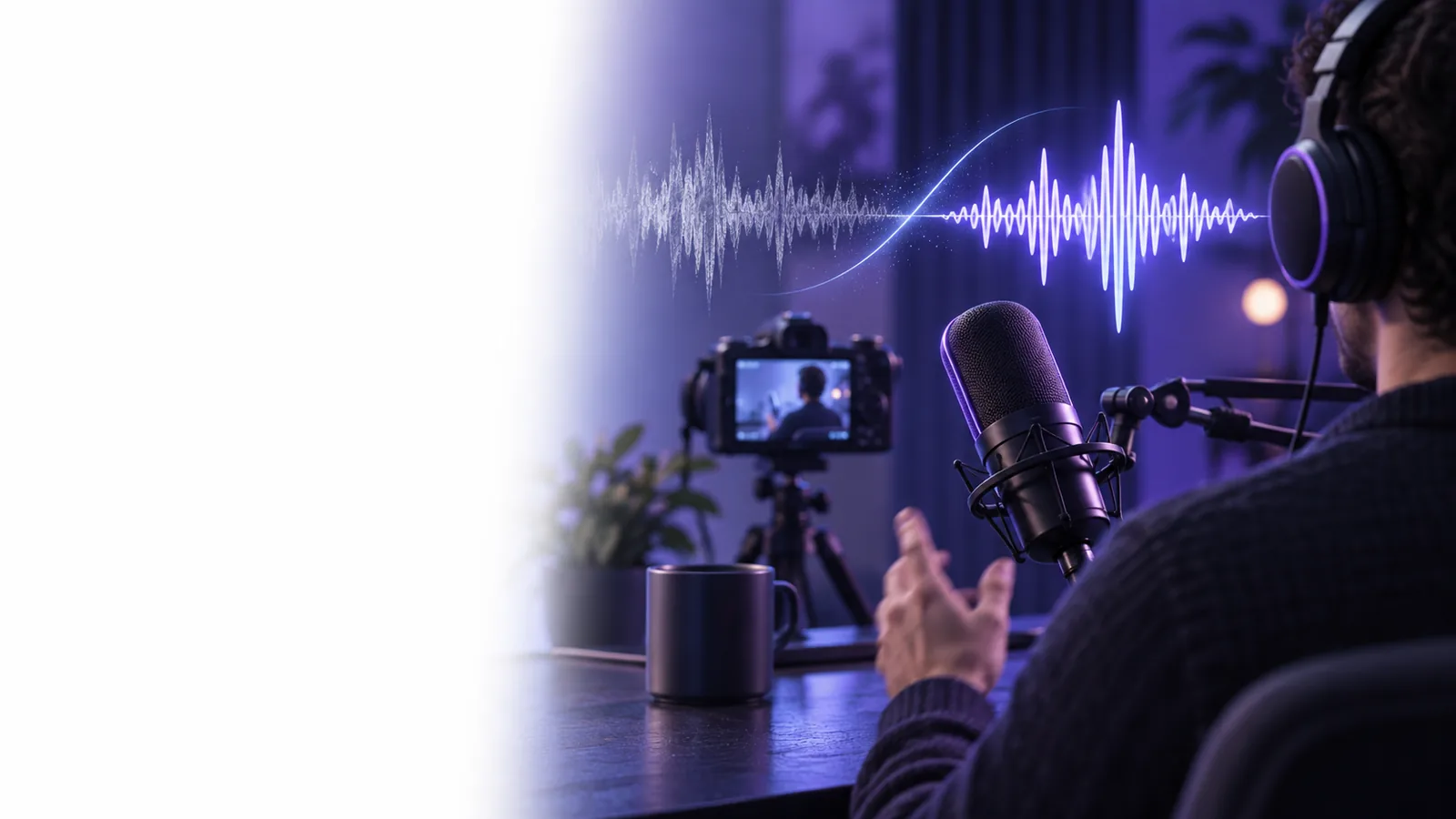
Speech cleanup is for recordings where spoken words are the main event. Its goal is intelligibility without making a person sound unnaturally processed.
A useful result preserves the details that make speech understandable. Heavy noise reduction can suppress a distraction but also blur word endings.
Choose the recording with the least clipping and the most audible speech. Leave a little room tone at the beginning if you have it; that makes the underlying noise easier to recognize.
Identify whether the problem is steady hiss, fan hum, distant traffic, or other voices. Note what should stay, including the speaker’s natural tone, pauses, and quiet words; the isolation tool has no text-prompt field.
Compare a sentence with soft consonants in the original and cleaned versions. If the speaker sounds watery or syllables disappear, keep the original or use an adjustable editor for further work.
Different speakers face different distractions. Use these starting points to decide what to listen for after cleanup.
A guest speaks over a steady laptop fan during a call.
Aim for less fan noise while keeping the guest’s softer words and pauses intact.
A narrated lesson has audible room hiss between explanations.
Check whether the narration remains comfortable to follow at normal listening volume.
A passing vehicle briefly competes with an on-camera answer.
Prioritize the speaker’s words; a brief, loud interruption may still be audible.
A quick memo has low-level ventilation noise throughout.
Keep the message sounding like the original speaker, rather than chasing total silence.
Supported input: MP3, WAV, M4A, FLAC or OGG audio under 10 MiB and up to 10 minutes. Output: isolated speech as MP3. Acceptance check: compare the same words at a similar volume. This does not process video.
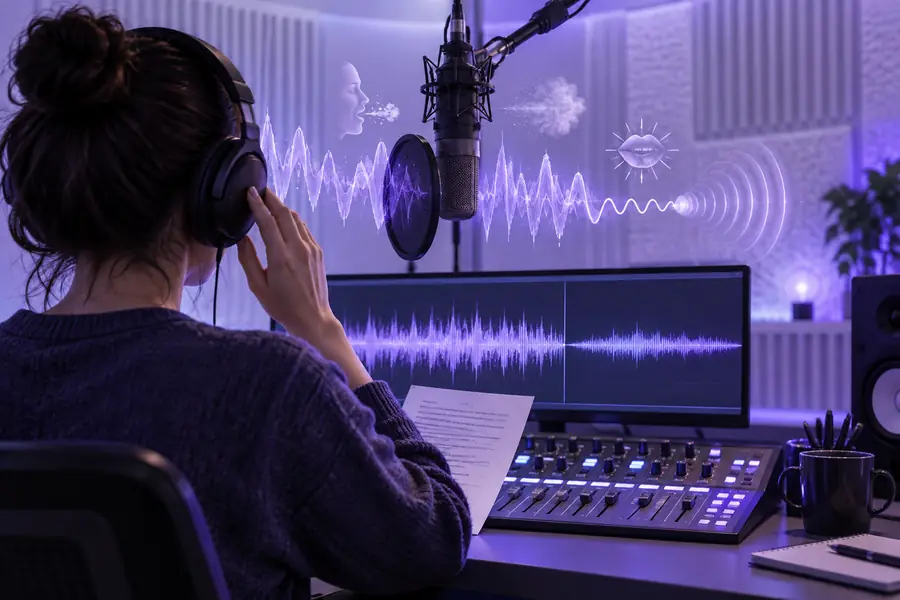
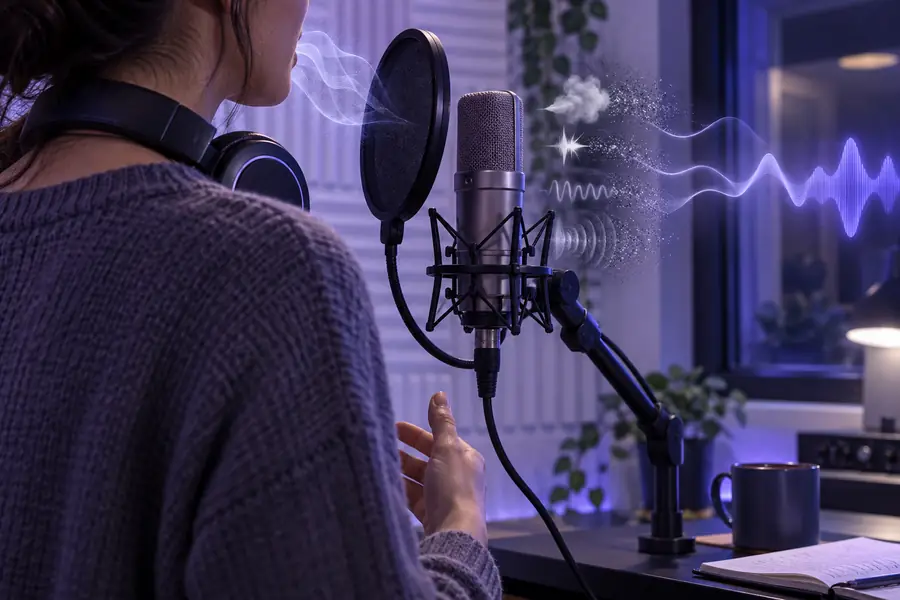
These images illustrate the review workflow, not a measured before-and-after audio sample. Keep the original file so you can judge the cleaned speech against it.
Original: note the distractionCleaned: check the speakerStart with a representative passage that includes both the speaker and the unwanted sound. Run speech isolation at Supavocal, then listen closely to quiet words, breaths, and consonants before deciding whether the MP3 result works for your recording.
It aims to reduce sounds that compete with recorded speech so the speaker is easier to follow. The best result depends on the source: steady background noise is a different problem from a sound that overlaps a word.
Background voices are difficult because they overlap the same frequencies as the voice you want to keep. Cleanup may reduce their prominence, but it may not separate every word without affecting the main speaker.
Noise reduction cannot reliably restore parts of a word that the microphone never captured or that clipping distorted. Try the least-damaged source available, and compare the result with the original before sharing it.
Listen to quiet phrases and consonants at a similar playback volume in both versions. If words sound smeared, metallic, or cut off, use the original or a separate editor with adjustable controls.