Podcast host
A fan runs beneath an otherwise intelligible introduction.
Compare the processed pause and the host's quieter words; keep the take only if both sound believable.
Listen for the difference
These illustrative audio cleaner scenarios show what to listen for in a noisy podcast, an outdoor interview, and a home-recorded lesson; they are not real processed samples. Each example sets a realistic goal: clearer speech without pretending every unwanted sound can disappear.
Continue at Supavocal
Sign in free to upload supported audio (MP3, WAV, M4A, FLAC or OGG; under 10 MiB, up to 10 minutes). Isolate speech from background sound and download the MP3 result. This page does not process or forward your clip.
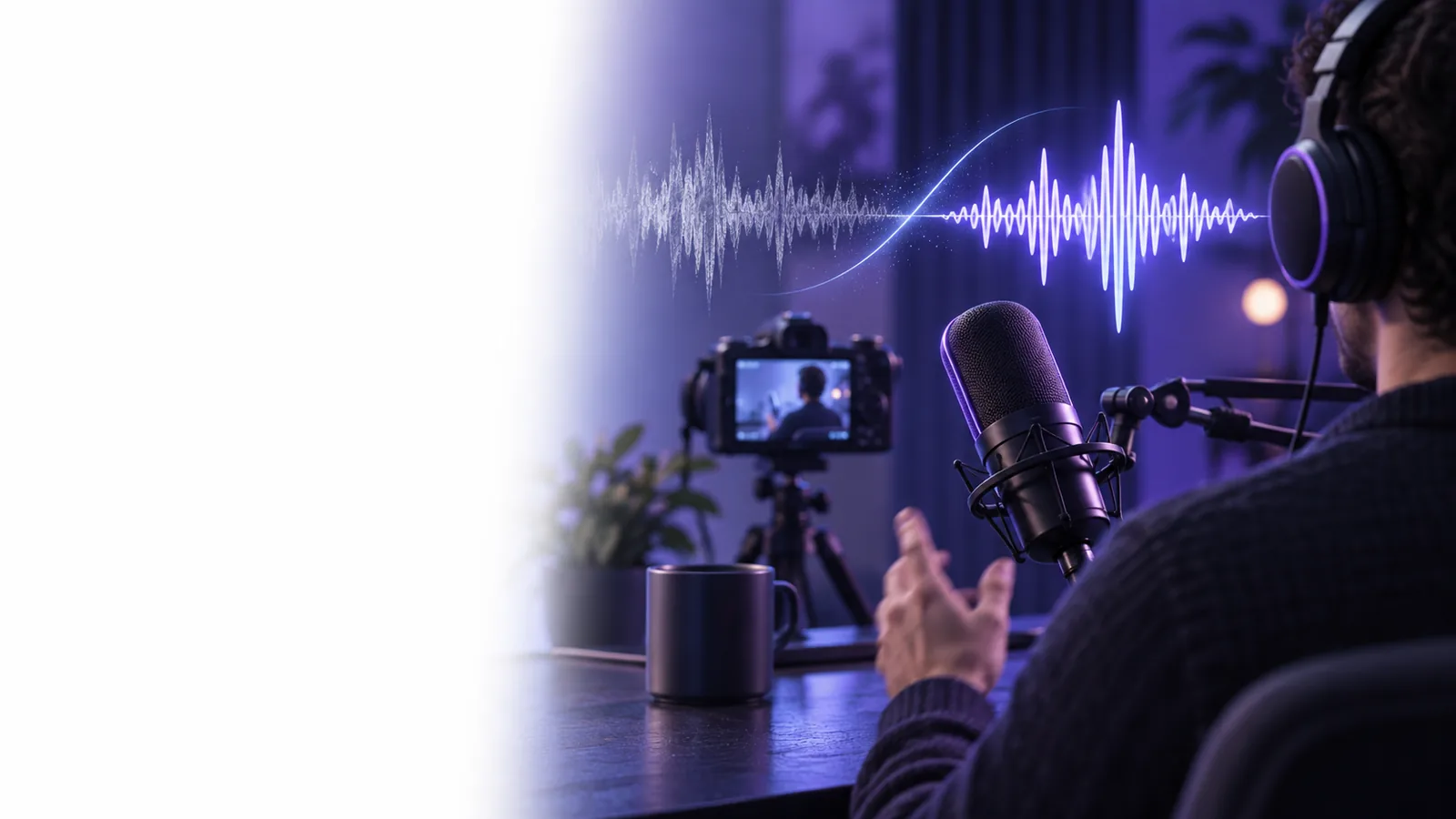
A quiet pause can make hiss obvious; a spoken sentence can hide it. Compare both before deciding whether an audio cleaner helped.
A free audio cleaner can improve a usable take, but the source recording sets the ceiling. These cases are listening goals, not guaranteed results.
When people talk at once, speech isolation may treat both voices as speech. It does not choose which speaker to keep.
What to do instead
Use a separate microphone track if you have one, or edit around the overlap.
A distorted syllable has already lost detail. Noise reduction cannot reliably reconstruct the original pronunciation.
What to do instead
Replace the line with another take or rerecord the short passage.
Aggressive cleanup may dull music or create watery artifacts around a voice. A cleaner result is not always a more faithful recording.
What to do instead
Keep an unprocessed copy. If isolation harms the voice, use a separate editor with adjustable controls.
Use your limited signup credits to try speech isolation on a supported audio passage, then compare the MP3 result with your original at a similar volume.
Choose a passage with speech and a pause. Reduce the constant fan bed, then check whether consonants remain crisp and the pause sounds natural.
Pick an exchange with both speakers and passing traffic. Aim to make words easier to follow, not to erase every vehicle or change either person's voice.
Test a sentence near a keyboard tap or room hum. Listen for clearer narration, then check that the cleaner did not swallow quiet words.
The best test is a short piece of your own audio. These situations offer a starting point for judging whether free cleanup serves the recording.
A fan runs beneath an otherwise intelligible introduction.
Compare the processed pause and the host's quieter words; keep the take only if both sound believable.
Traffic rises and falls while two people answer questions outdoors.
Prioritize understandable answers over total silence, and check that both speakers still sound distinct.
A recorded explanation has room hum and an occasional desk noise.
Review a quiet phrase after cleanup before applying the same treatment to the full lesson.
This is a listening checklist, not a claim that every file will produce the same result. Compare your original and cleaned clips using the same playback level.
| Original recording | Useful cleaned result | |
|---|---|---|
| Podcast fan | A steady fan is audible in pauses and under speech. | The fan is less distracting while the host's consonants remain clear. |
| Outdoor traffic | Road noise partly masks the interviewer's questions. | Questions are easier to follow, even if passing vehicles remain audible. |
| Room hum | A low hum carries through a spoken lesson. | The hum recedes without making quiet syllables fade in and out. |
| Voice character | The speaker sounds recognizably like themselves. | The same voice remains recognizable rather than thin or metallic. |
| Pauses | Natural room tone fills breaks between sentences. | Pauses sound consistent instead of cutting abruptly to silence. |
| Problem sounds | A loud tap or overlapping voice interrupts a word. | The interruption may remain; manual editing or a new take can be more useful. |
Use audio you have permission to process. If a conversation includes other people, check whether you need their consent before uploading or publishing it. Keep the original file, compare the cleaned version at matched volume, and avoid presenting an edited voice as an untouched recording. A free audio cleaner is a useful aid to clarity, not a substitute for those checks.
Play the same short passage before and after cleanup at a similar volume. Check whether speech is easier to understand without sounding metallic, muffled, or abruptly gated during pauses.
Not reliably. Traffic that overlaps speech can remain audible, and aggressive removal may also damage the words you want to keep. Judge the result by intelligibility rather than complete silence.
That sound can be a processing artifact when noise reduction removes parts of the voice along with the noise. Compare the original and consider a separate editor with adjustable noise reduction if the speech sounds less natural.
Choose a short clip containing speech, a pause, and the specific noise you want to address. Keep playback volume consistent so a louder result does not seem cleaner merely because it is louder.
Yes. The original lets you check whether a quiet word was lost and gives you a fallback if the processed version sounds unnatural. It also makes your before-and-after comparison more trustworthy.